Showing posts with label version. Show all posts

Saturday, November 22, 2014

Samsung South Korean mini version of the Galaxy S5

Specifications

Specifications Galaxy S Mini 5

There will come a Galaxy S Mini 5, which carries the model number SM-G800 , screen Super AMOLED measured 4.5 inches at a resolution of 720 pixels, which is a great development after the screen Galaxy S Mini 4, which came precisely qHD , according to the site Sammobile .

The supplied Samsung phone, which is expected to come Snapdragon processor 400 quad-core processor, random access memory capacity of 1.5 GB.

The device has a rear camera 8MP, and the other a 2-megapixel rear accuracy, in addition to the internal memory storage capacity of 16 GB.

It will feed 5 Galaxy Mini , which holds strongly battery 2,100 mAh, the Android operating system 4.4 (Kit Kat).

It is still unclear whether the phone will come sensor to measure heart rate and fingerprint reader or not, but he is expected to be water-resistant.

Were not disclosed any information about the price of the Galaxy S Mini 5 or later put on the market.

Thursday, November 20, 2014

Samsung galaxy s3 mini being announced tomorrow 4 inch version to challenge iPhone

Samsung confirmed on Wednesday that it will launch the Galaxy S3 mini at an event planned to be held on Thursday. The new handset is expected to run Googles latest version of the Android operating system, Jelly Bean, with Samsungs TouchWiz interface.

According to J.K. Shin, the boss of Samsung Mobile Communications, the company will reveal a 4-inch Galaxy S III named Galaxy s3 mini. He also said that’s because “there is a demand of a 4-inch Galaxy S III in the European market”.  To some degree, the success of Apple’s Give them a hint.

The Samsung galaxy s3 mini puts the new device in direct competition with Apples iPhone 5; both of them have a 4 inch Lcd.

In fact, The Galaxy S3 saw a huge successful launch when it reached 20 million sales in its first three months in markets all over the world, even Breaks T-Mobile sell records .The series of products launched by Samsung show that Samsung have never defeated by Apple, although loss in the patent battle with Apple.

German mobile phone website Mobile Geeks claims that Galaxy S3 mini will come with a 4.0-inch Super AMOLED touchLcd with an 800 x 480 pixel resolution, while the iPhone 5 have a 1,136x640-pixel display.

It also will house a STE U8420 dual-core 1.0 GHz processor, which is not as powerful as the Quad-core 1.4 GHz Cortex-A9 CPU found in the larger S III. The camera is claimed to have a 5-megapixel sensor (the S III has 8-megapixels), although it will contain the same amount of RAM, 1GB.

Obviously, the S3 mini goes head-to-head with Apples market-leading iPhone, put pressure to Apple, the company which have dominance the US market.

The Samsung Ativ S Windows Phone 8 smartphone is also said would be released either in October or November. More important, Samsung started selling the Galaxy Note 2 in Europe and Asia last week, Samsung Galaxy Note 2 US variants to hit the stage on October 24.

Luckily weve not got long to wait, with all our questions being answered In the near future. Can iPhone still be a legend as before, it will remain to see.

Realated articles:

Thursday, September 25, 2014

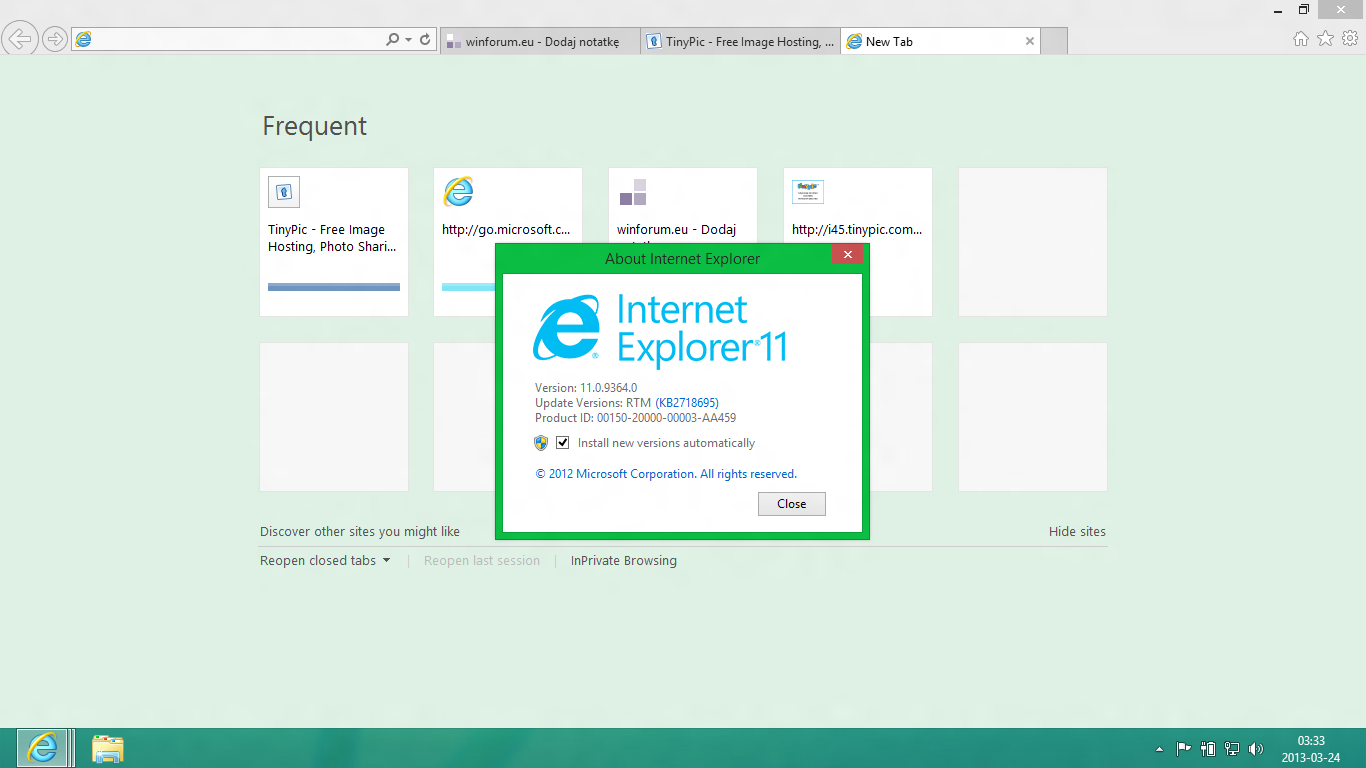
Solution Crashes in Internet Explorer 11 Desktop version

Previously we have discussed the problem of crashes the browser Chrome and Firefox along with the solution. Although he had started dropping as users, it cannot be denied that Internet Explorer is the default browser for Windows that continues to undergo repairs to rival the two popular browsers.

And like the two above browsers, nothing is perfect. All would have experienced problems such as crashes, errors, slow, or other disorders. Well this time we will show some simple solutions that can be used as a reference in order to fix the problem. Here are a few ways:


Check the add-on
Most crashes or error in IE occurs due to some toolbar or add-on installed, either intentionally or not. You can check if the add-on was the cause. The first step to try is to disable the addon on IE. To view and check the add-on installed, click on the gear icon (out) on the top right, click Manage Add-ons. On the Toolbars and its Extentions are add-on there is. Note the status, try to disable them one by one (disable). Do until the crash does not occur again. If it is necessary to disable all add-ons.

Reset Settings
That way if it doesnt work, you can reset the settings back to the default position to be. How, click the gear (out) on the top right, select Internet Options. Choose the Advanced menu and click the Reset button. A window will appear that will inform what will reset automatically. You can also give a check mark on the options Delete personal settings if you want everything back in the plain.

Use Software Rendering
As in the other browsers, Internet Explorer 9 and earlier versions using the graphics rendering in doing to speed up the performance of browsing. But sometimes it just makes problems on some particular graphics card and driver used. To resolve this issue, disable the feature. The way, open the Internet Options window, select the Advanced options, tick to enable Use software rendering instead of GPU rendering. Restart in IE to see the results.


Check for the presence of malware
Malware, viruses, or the like may cause some applications to crash, including IE. If your browser is often experienced this, it could be a virus or malware vectors. Do a scan using a security application has been updated on a regular basis.

Do update
Enable updates on Windows. From here you will get the updates and improvements will be made on a regular basis in order to overcome some of the problems, including on IE. The Update also needs to be done on drivers, especially on graphics card if you encountered a problem on a tip number 3.

Solutions from Microsoft
In addition to the ways that you can try, Microsoft also offers solutions around the problems in IE via the application claimed able to diagnose and improve problems such as IE is slow, insecure, or unstable. You can get it by visiting the links on http://support.microsoft.com/fixit/en-us.