Showing posts with label Factory. Show all posts

Friday, October 3, 2014

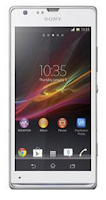
How to Factory Reset Sony Xperia SP


Resetting your Sony Xperia SP will restore the default settings of your device. It will also delete all your files on your phone, so it is recommended to backup all your important files on your computer.

Follow these steps on how to reset the Sony Xperia SP:

  • From your Home Lcd, tap the Menu icon.
  • Tap Settings, then select Backup and Reset.
  • Tap Factory data reset. (If you want to delete your internal files, just check Erase Internal Storage checkbox.)
  • Tap Reset phone.
  • Then you need to confirm by tapping Erase everything.

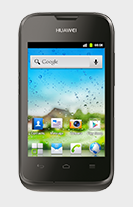
How to Factory Reset Huawei Ascend Y210


We have our own reasons why we factory reset our device. Maybe we want to delete all the files and restore the device to its original state. It could also be the device may be malfunctioning or so slow and it needs to be reset.

Restoring the default settings or factory reset your Huawei Ascend Y210 will delete all your files. It is recommended to backup your important files on your computer before attempting to reset your device.

1. Go to Settings.

2. Select Privacy, and tap Factory data reset.

3. There should a message box appear on the Lcd, tap on Reset phone.

4.  To confirm the reset tap Erase everything.

The phone should restart itself and restore the settings to its original factory settings.